Black Friday
 

Employees Registering a Bright ID

In order for an employee to log into their Employee Self Service Portal, they will need a Bright ID.
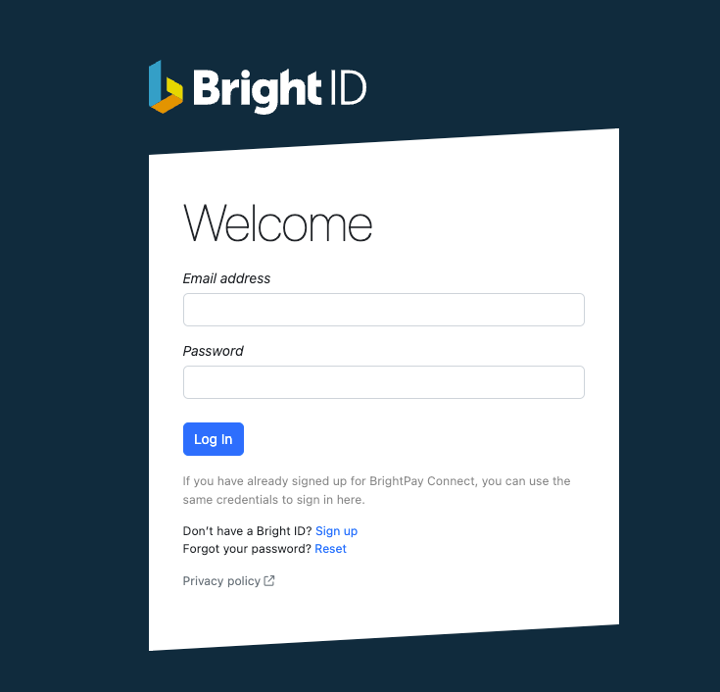
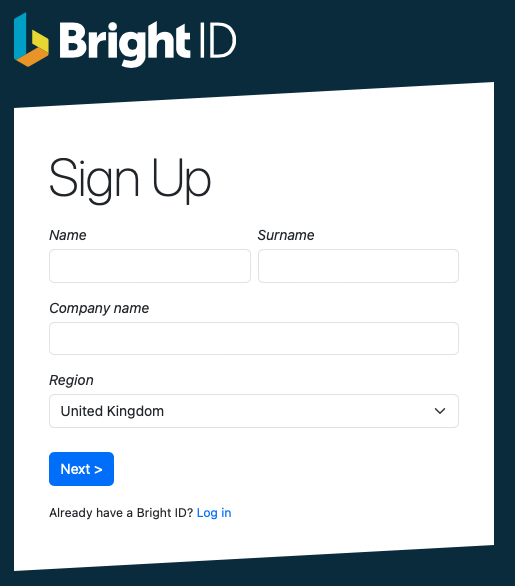
  1. Go to https://id.brightsg.com/login


  2. Click ‘sign up’ to create your Bright ID

    • Enter your full name, company name and region. Click ‘Next’.


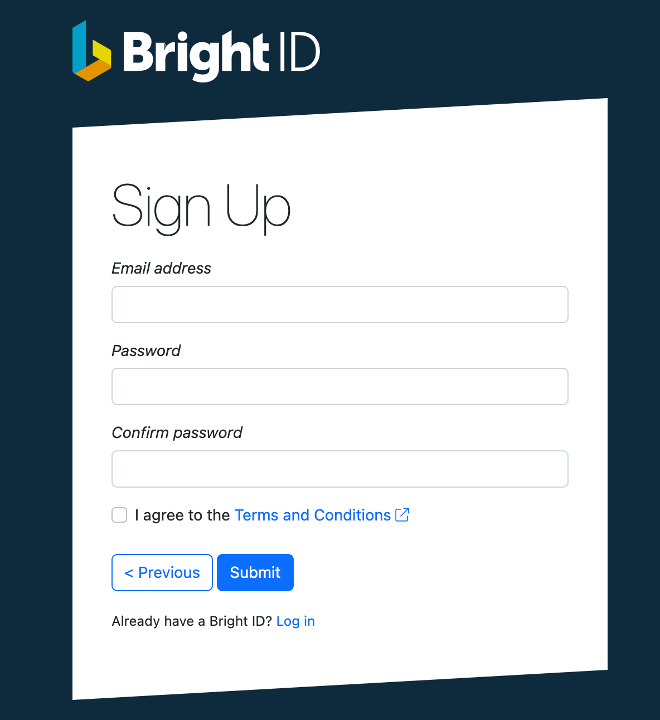
    • On the next screen enter your email address and create your password.


    • Once you have read and agreed to the Terms and Conditions, click Submit. There is also an option at this point to go back if you’ve made any mistakes.

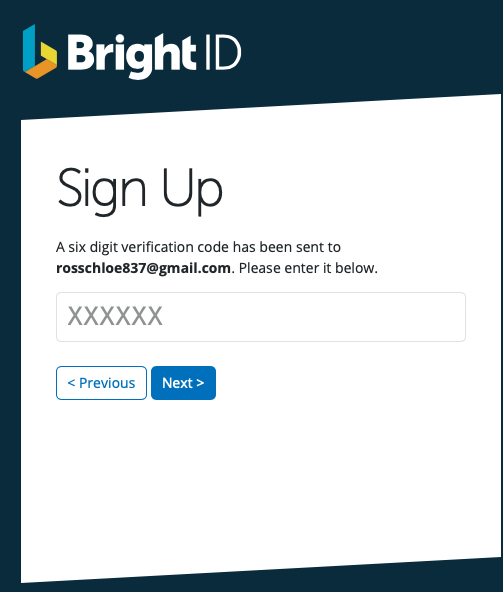
    • Once these steps are complete you will receive an email with a 6 digit verification code where you will need to confirm your account. If you can’t locate your confirmation email, try checking your spam folder.


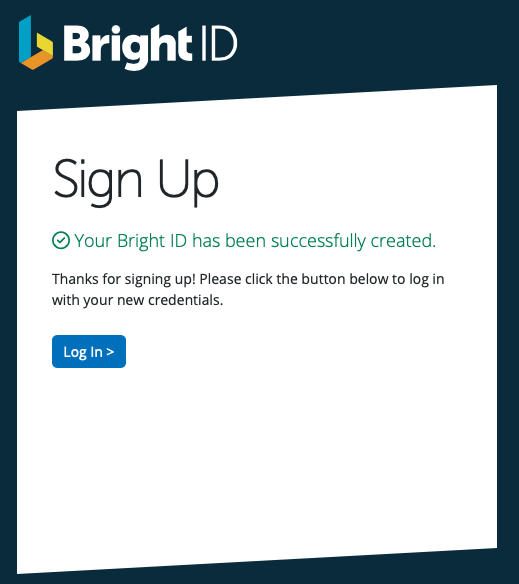
    • After entering in the 6 digit code and clicking ‘Next’, you will see confirmation that your Bright ID is successfully set up and you are now ready to login.


  3. To login to your Employee Self Service Portal here, please enter your email address and password.


Need help? Support is available at 01 8352074 or [email protected].

BrightPay (Cloud) System Requirements2026 BrightPay - AvailabilityWhat's New in BrightPay?Auto Enrolment in BrightPayWhat's happening to BrightPay for Windows?Introduction to BrightPayGetting StartedStarting the New Tax YearImporting Into BrightPay from BrightPay WindowsMoving to BrightPay from another payroll softwareTwo Factor Authentication - OrganisationUser ManagementMultiUser EnhancementsEmployer DetailsEmployee DetailsDigital CertificatesRevenue Payroll Notifications (RPNs)Processing PayrollPayroll Submission Requests (PSRs)Importing Pay Data using CSV FileDistributing PayslipsPaying EmployeesMaking Corrections in PayrollPayroll Calendar 2025Payroll Calendar 2026Benefit in KindEmployee Self Service PortalBrightPay (Cloud) Service InfrastructurePayroll JournalsAnalysisPayroll DeductionsNational Minimum Living WagePensionsSwitching an Employee's Pay FrequencyYear EndEnhanced Reporting Requirements (ERR)BrightExpensesPayslip Translations2025 Budget - Employer Focus2026 Budget - Employer FocusAnnual LeaveEmployment Law - InformationSEPA format - Banks catered for in BrightPayTwo Factor Authentication - EmployeesAuto EnrolmentClient PortalResourcesRelease NotesImporting Information From Connect into BrightPay cloud