We are currently investigating an issue with BrightPay and have temporarily restricted some levels of access

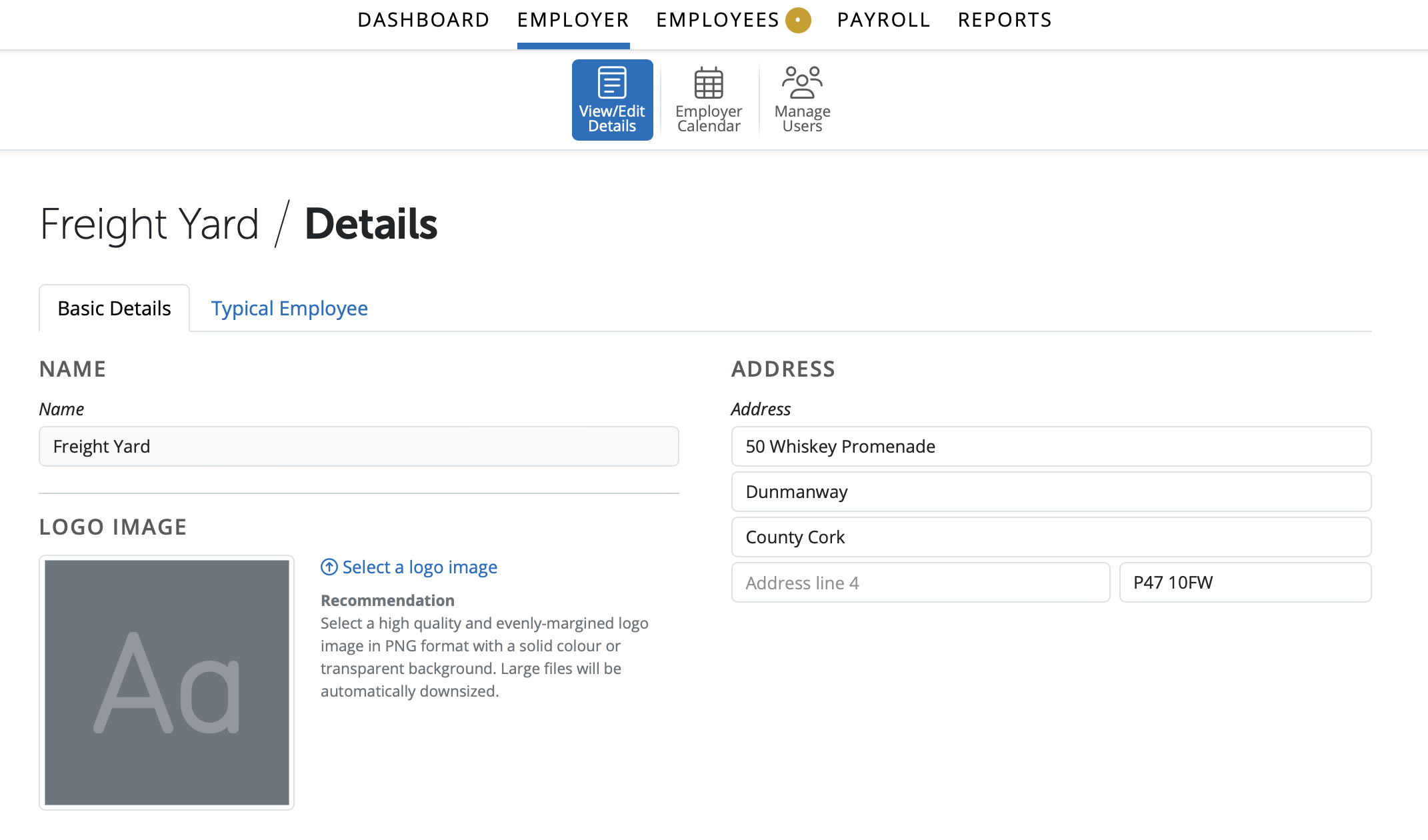
In the Employer section of the Client Portal a user can access basic Employer Information. This information can be edited (except the employer's name) and saved once the user has permission to do so. Details entered or any changes saved by a user will be updated in the Client Portal and in the employer in BrightPay.
1) Employer Name (not editable)
2) Employer Address
3) Employer Logo can be added or removed
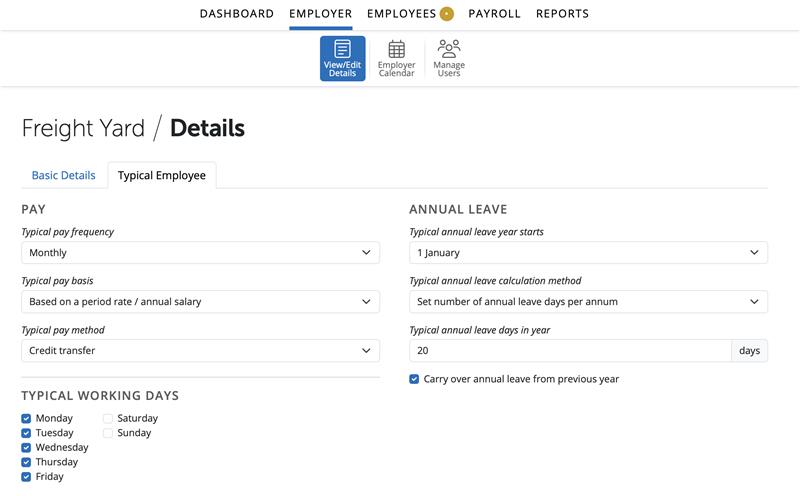
This section allows the user to create settings that will be used as the default when adding a new employee. These settings are:
1) Typical Pay Frequency
2) Typical Pay Basis
3) Typical Pay Method
4) Typical Working Days
5) Typical Annual Leave Year Starts
6) Typical Annual Leave Calculation Method
7) Typical Annual Leave Entitlement
8) To carry over annual leave from previous year
Need help? Support is available at 01 8352074 or [email protected].







Copyright © 2026 Thesaurus Software Ltd T/A Bright Software Group.
Unit 35 Duleek Business Park, Duleek, County Meath, A92 N15E, Ireland
[email protected] 01 8352074