
Payslips can be customised before they are printed, emailed or exported.
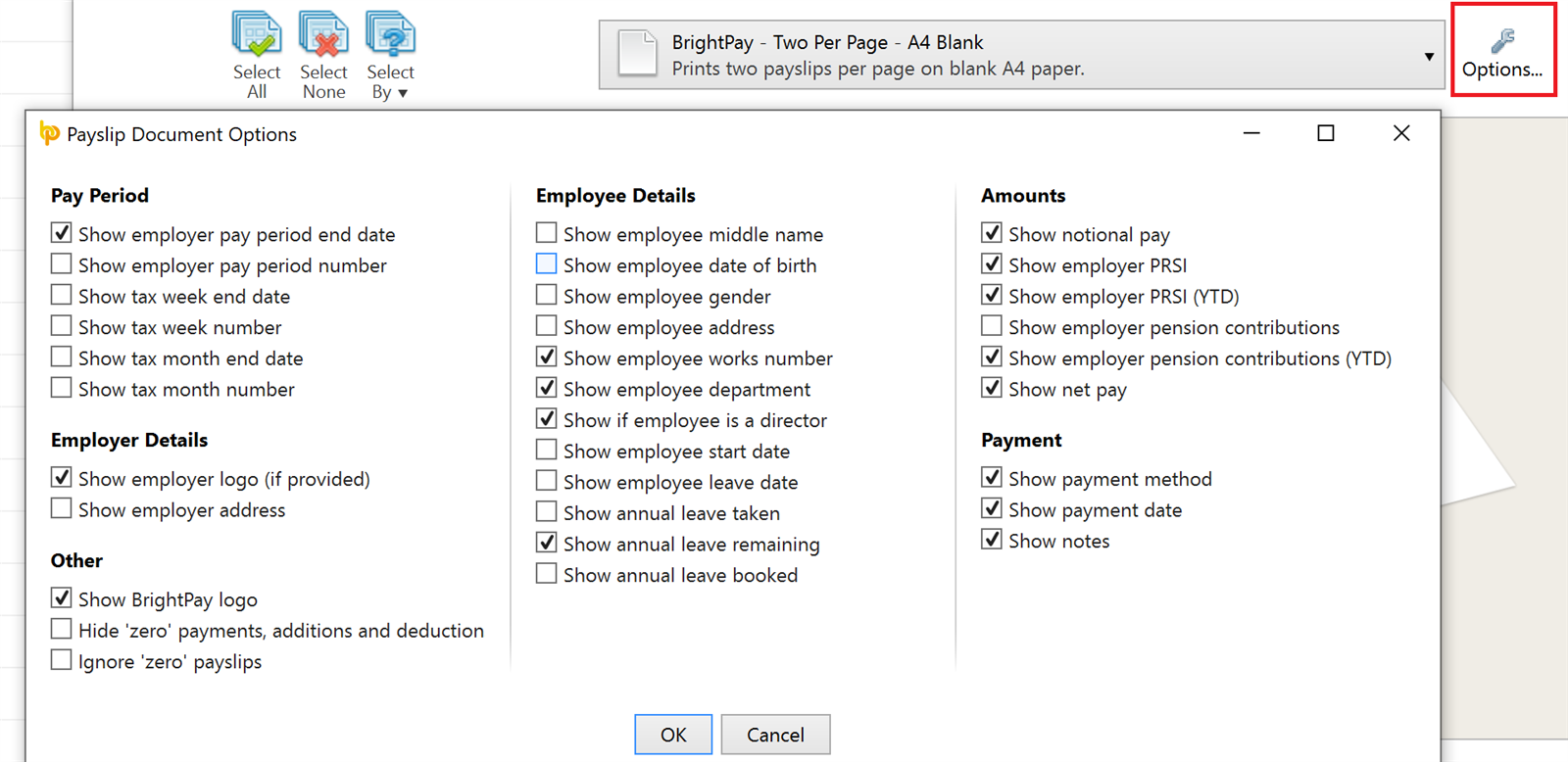
Within Print/Email/Export Payslips, click the ‘Options’ button on the right hand side. This facility allows you to add or remove certain information on the payslip as per user requirements (e.g. add a company logo, notes, annual leave information etc; remove payment method, BrightPay logo etc.)
BrightPay's new cloud version is the future. If you are a current BrightPay for Windows customer, you should consider moving to the cloud version.
If you are a new customer, we highly recommend that you sign up for the cloud version instead of purchasing the desktop version. Annual and monthly pricing plans are available.







